PDFPilot · conversion templates
Start with the PDF you need
Choose a result, inspect a real sample, then convert your own files on the template page. Image templates start with ready-to-use settings; Word and PowerPoint templates use your document’s own page or slide layout.
Free · browser-only processing · no sign-up
17 templates
JPG to PDF
JPG to A4 PDF — portrait
Place JPG or PNG images on portrait A4 pages with a 10 mm margin. Reorder your images and convert them here.
One A4 PDF
Use this templateJPG to PDF
JPG to A4 PDF — landscape
Convert wide JPG and PNG images to landscape A4 PDF pages. The landscape page size and 10 mm margins are already selected.
One landscape A4 PDF
Use this templateJPG to PDF
JPG to Letter PDF — portrait
Make an 8.5 × 11 inch PDF from JPG and PNG images. Start with portrait Letter pages and a small printable margin.
One Letter PDF
Use this templateJPG to PDF
JPG to Letter PDF — landscape
Place wide images on 11 × 8.5 inch PDF pages. Convert on this page with landscape Letter settings already applied.
One landscape Letter PDF
Use this templateJPG to PDF
JPG to PDF at image size
Create PDF pages that follow each image’s dimensions instead of forcing A4 or Letter. No additional margin is selected.
One mixed-size PDF
Use this templateJPG to PDF
JPG to A4 PDF with wide margins
Leave room around each image for notes or binding. This template starts with portrait A4 and 20 mm margins.
One A4 PDF with wide margins
Use this templateJPG to PDF
Transparent PNG to PDF
Put a PNG with transparent areas onto an image-sized PDF page. Try the transparent sample or choose your own PNG.
One image-sized PDF
Use this templateJPG to PDF
Convert images to separate PDF files
Get one PDF for each image, packaged in a ZIP. Combining images is turned off in this template.
ZIP containing individual PDFs
Use this templateWord to PDF
Word tables to PDF
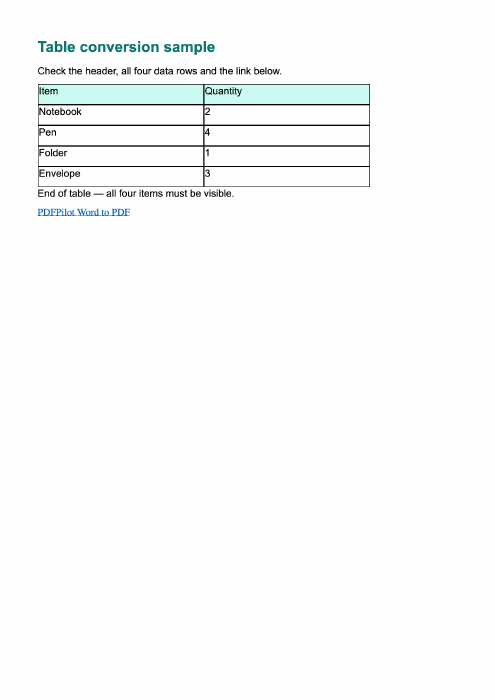
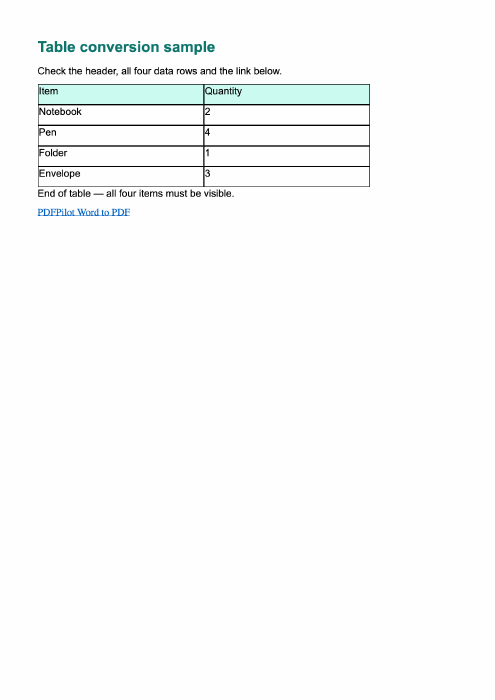
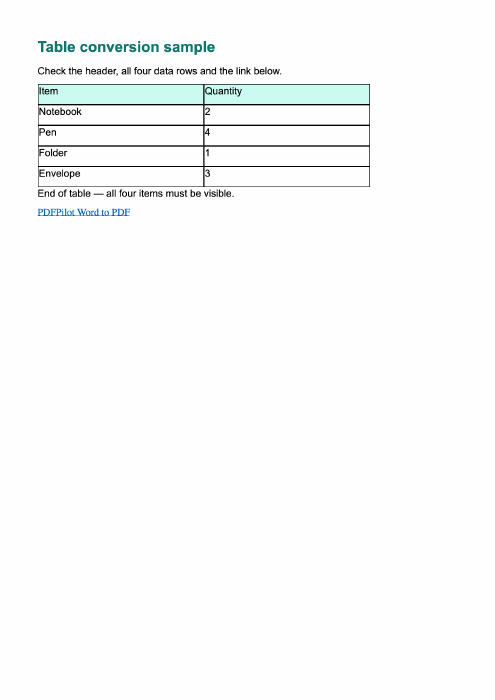
Convert a DOCX table using the browser-local Word renderer. Try a sample with a five-row table and a clickable link before using your document.
Visual PDF with supported links
Use this templateWord to PDF
Word with images to PDF
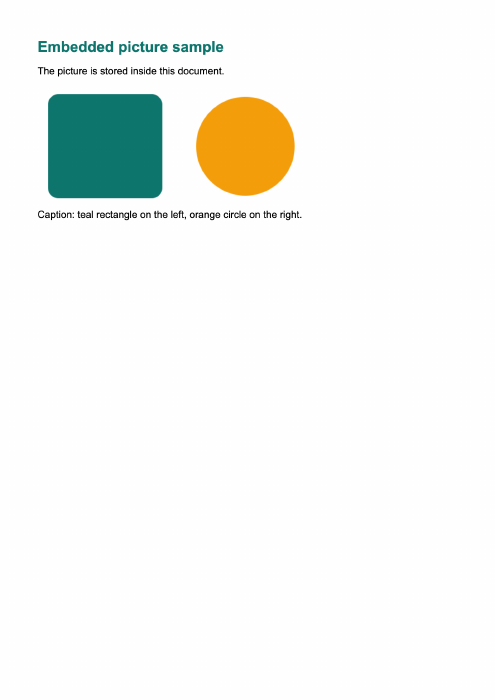
Convert a DOCX containing embedded pictures to a visual PDF. Use the sample to check the illustration, caption and image edges.
Visual PDF
Use this templateWord to PDF
Landscape Word document to PDF
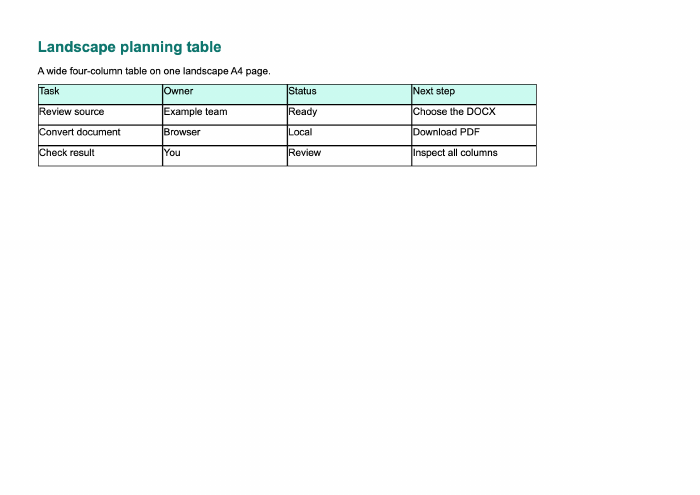
Convert a landscape DOCX while reading its page dimensions and margins. Try the wide table sample and inspect the resulting page.
Landscape visual PDF
Use this templateWord to PDF
Google Docs DOCX export to PDF
Download your Google Doc as a DOCX, then convert that local file here. No Google account connection or shared-document URL is needed.
Visual PDF
Use this templateWord to PDF
Batch Word to PDF
Convert several DOCX documents in one session and download their PDFs in a ZIP. Try two different sample documents together.
ZIP with one PDF per document
Use this templatePowerPoint to PDF
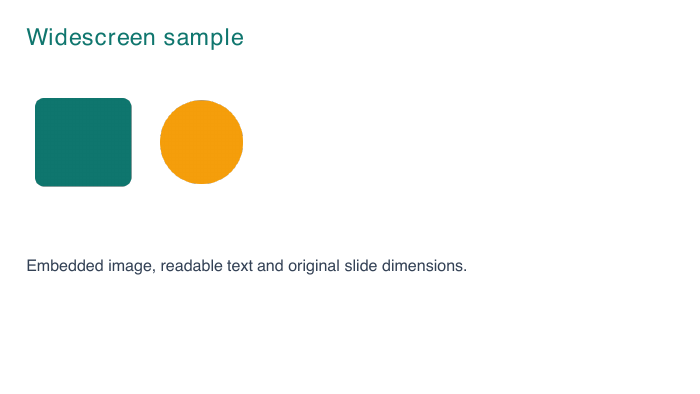
Widescreen PowerPoint to PDF
Convert a 16:9 PPTX to PDF without forcing its slides onto A4. Try a two-slide widescreen sample with text, shapes and a table.
One PDF page per slide
Use this templatePowerPoint to PDF
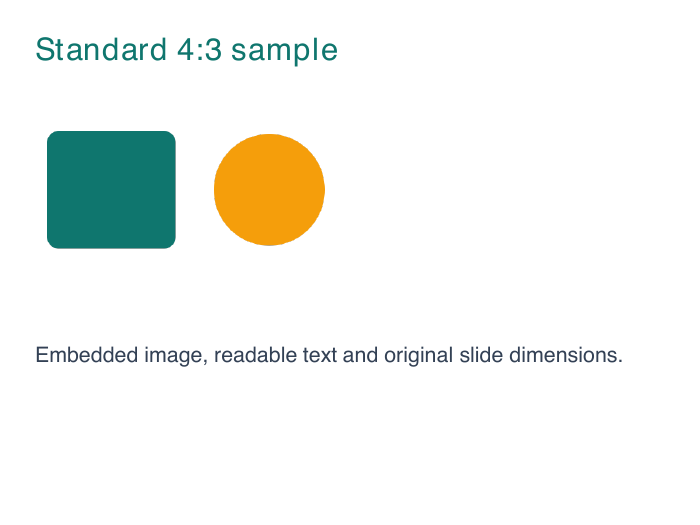
Standard 4:3 PowerPoint to PDF
Keep the source dimensions of a standard 4:3 presentation when exporting to PDF. Try the two-slide 4:3 sample here.
One PDF page per slide
Use this templatePowerPoint to PDF
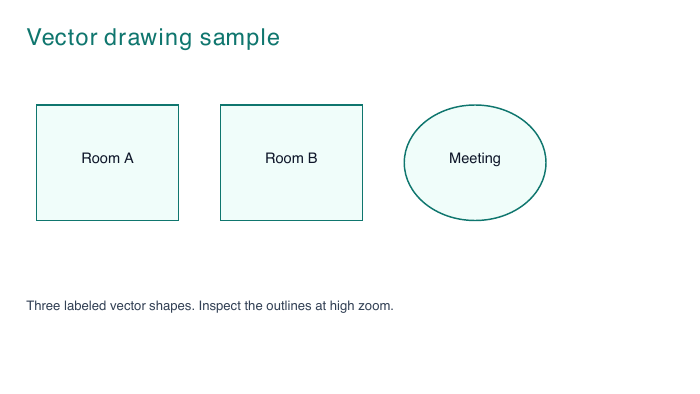
PowerPoint drawings to PDF
Convert supported PowerPoint vector shapes and text to PDF. Try an original sample diagram with outlined rooms, a circle and labels.
PDF with vector paths
Use this templatePowerPoint to PDF
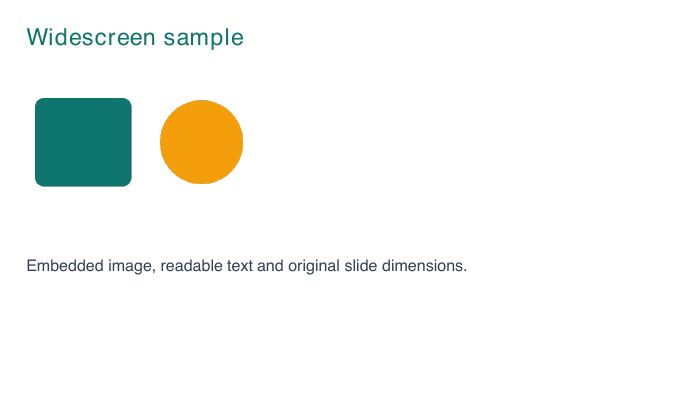
Batch PowerPoint to PDF
Convert several PPTX presentations in your browser and download a ZIP of PDFs. Try mixed 16:9 and 4:3 presentations in one batch.
ZIP with one PDF per presentation
Use this template