Ready-to-use conversion template
Word with images to PDF
Convert a DOCX containing embedded pictures to a visual PDF. Use the sample to check the illustration, caption and image edges.
Use this templateFiles stay on your device. No account needed.
1 · Your input
DOCX with embedded images
2 · Your result
Visual PDF
What this template uses
- Sample
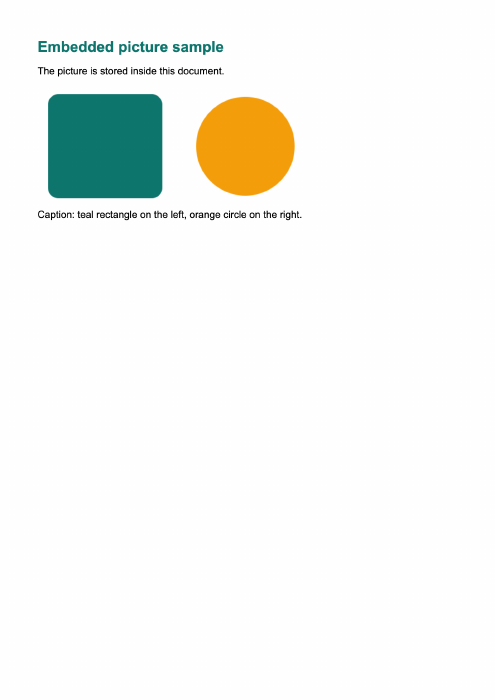
- An embedded PNG illustration and caption
- Images
- Stored inside the DOCX, not remote URLs
- Page size
- Read from the document
- Rendering
- Image-based PDF pages
Convert here
Choose your files or try the sample. Review the workspace, then select Convert to PDF.
Loading the local converter…
Check your PDF
- The teal rectangle and orange circle should both appear.
- Check the caption and the full picture, including the right-hand edge.
Supported conversion, with clear limits
PDF pages are images: text is not selectable or searchable. Fonts and page breaks may differ from Word. Unsupported media or artwork requires export from the original editor. Up to 200 pages; 100 MB per file.
Can the converter fetch linked images from the internet?
No. Remote images are blocked to keep conversion private and predictable. Embed the image in your Word file first; unsupported content produces an error rather than a text-only fallback.