PDFPilot · conversion templates
Word to PDF templates
Choose a result, inspect a real sample, then convert your own files on the template page. Image templates start with ready-to-use settings; Word and PowerPoint templates use your document’s own page or slide layout.
Free · browser-only processing · no sign-up
Open the standard Word to PDF tool5 templates
Word to PDF
Word tables to PDF
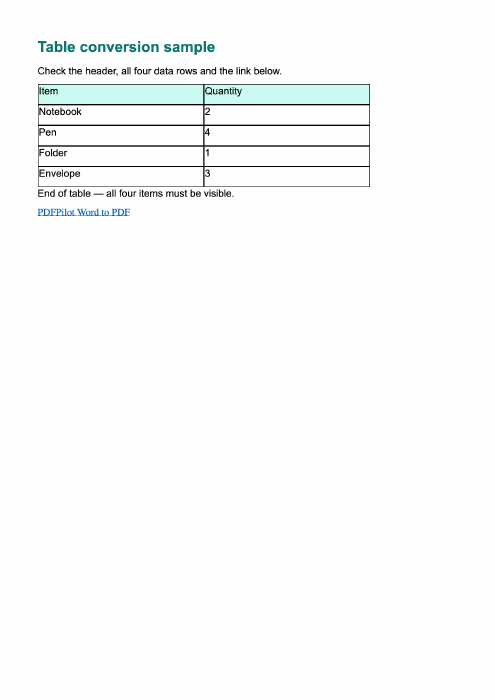
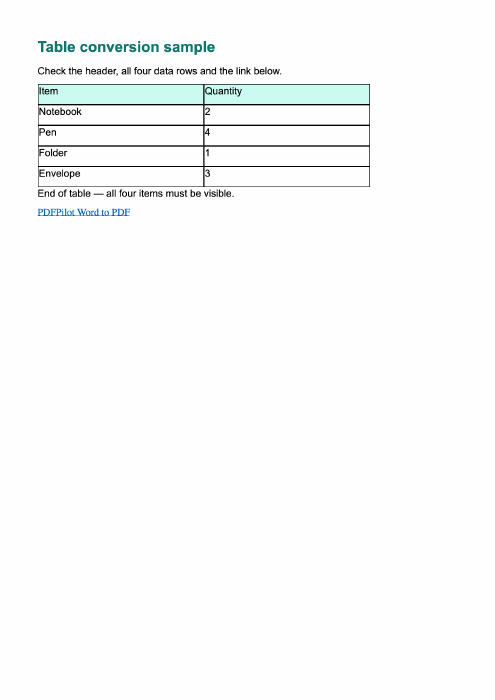
Convert a DOCX table using the browser-local Word renderer. Try a sample with a five-row table and a clickable link before using your document.
Visual PDF with supported links
Use this templateWord to PDF
Word with images to PDF
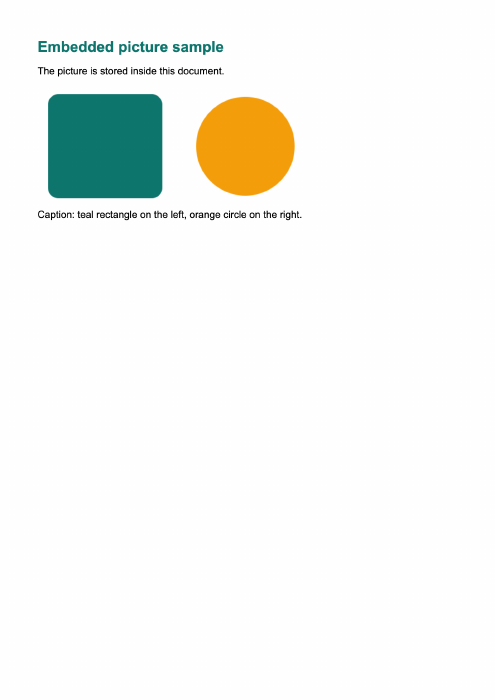
Convert a DOCX containing embedded pictures to a visual PDF. Use the sample to check the illustration, caption and image edges.
Visual PDF
Use this templateWord to PDF
Landscape Word document to PDF
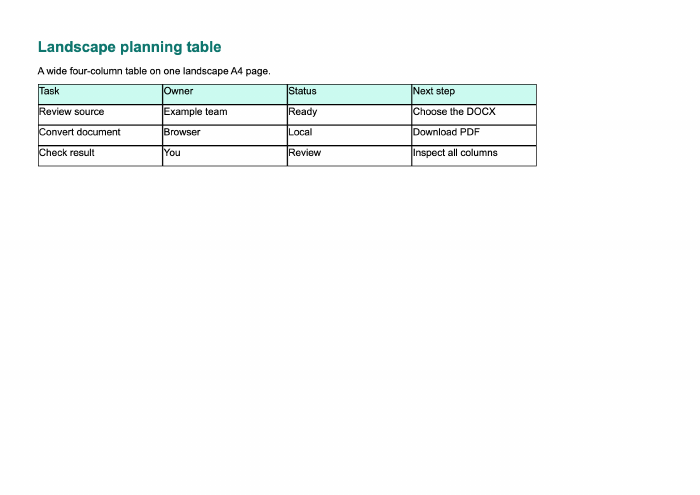
Convert a landscape DOCX while reading its page dimensions and margins. Try the wide table sample and inspect the resulting page.
Landscape visual PDF
Use this templateWord to PDF
Google Docs DOCX export to PDF
Download your Google Doc as a DOCX, then convert that local file here. No Google account connection or shared-document URL is needed.
Visual PDF
Use this templateWord to PDF
Batch Word to PDF
Convert several DOCX documents in one session and download their PDFs in a ZIP. Try two different sample documents together.
ZIP with one PDF per document
Use this template