PDFPilot · conversion templates
JPG to PDF templates
Choose a result, inspect a real sample, then convert your own files on the template page. Image templates start with ready-to-use settings; Word and PowerPoint templates use your document’s own page or slide layout.
Free · browser-only processing · no sign-up
Open the standard JPG to PDF tool8 templates
JPG to PDF
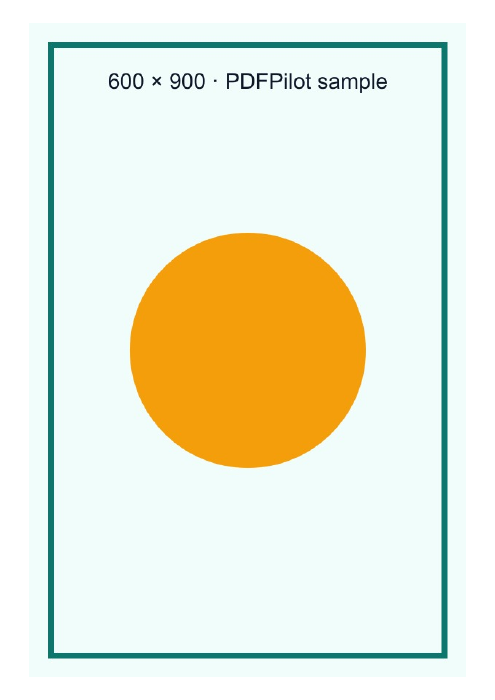
JPG to A4 PDF — portrait
Place JPG or PNG images on portrait A4 pages with a 10 mm margin. Reorder your images and convert them here.
One A4 PDF
Use this templateJPG to PDF
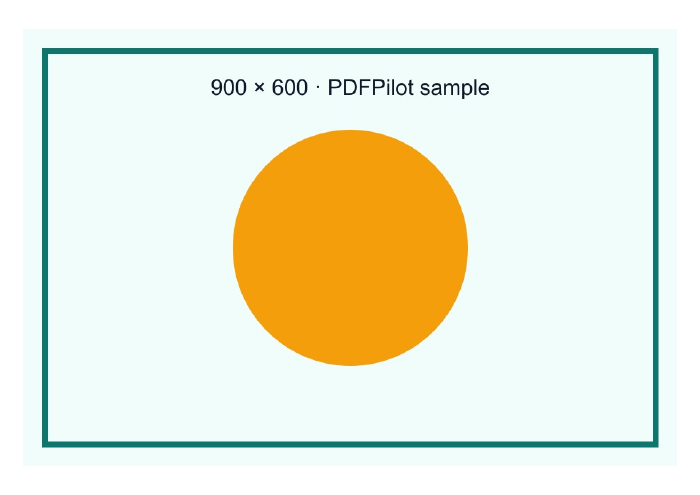
JPG to A4 PDF — landscape
Convert wide JPG and PNG images to landscape A4 PDF pages. The landscape page size and 10 mm margins are already selected.
One landscape A4 PDF
Use this templateJPG to PDF
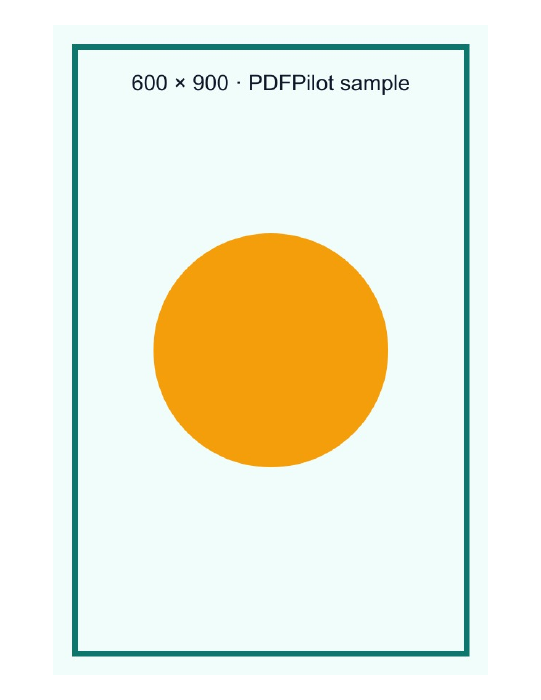
JPG to Letter PDF — portrait
Make an 8.5 × 11 inch PDF from JPG and PNG images. Start with portrait Letter pages and a small printable margin.
One Letter PDF
Use this templateJPG to PDF
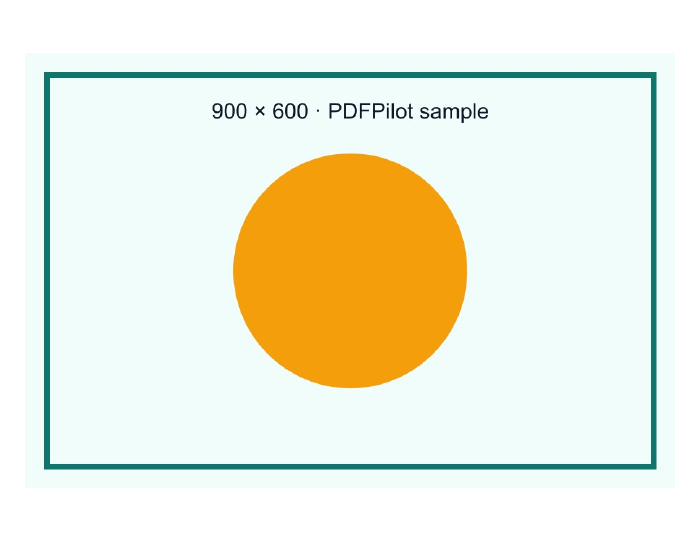
JPG to Letter PDF — landscape
Place wide images on 11 × 8.5 inch PDF pages. Convert on this page with landscape Letter settings already applied.
One landscape Letter PDF
Use this templateJPG to PDF
JPG to PDF at image size
Create PDF pages that follow each image’s dimensions instead of forcing A4 or Letter. No additional margin is selected.
One mixed-size PDF
Use this templateJPG to PDF
JPG to A4 PDF with wide margins
Leave room around each image for notes or binding. This template starts with portrait A4 and 20 mm margins.
One A4 PDF with wide margins
Use this templateJPG to PDF
Transparent PNG to PDF
Put a PNG with transparent areas onto an image-sized PDF page. Try the transparent sample or choose your own PNG.
One image-sized PDF
Use this templateJPG to PDF
Convert images to separate PDF files
Get one PDF for each image, packaged in a ZIP. Combining images is turned off in this template.
ZIP containing individual PDFs
Use this template