PDFPilot · conversion templates
PowerPoint to PDF templates
Choose a result, inspect a real sample, then convert your own files on the template page. Image templates start with ready-to-use settings; Word and PowerPoint templates use your document’s own page or slide layout.
Free · browser-only processing · no sign-up
Open the standard PowerPoint to PDF tool4 templates
PowerPoint to PDF
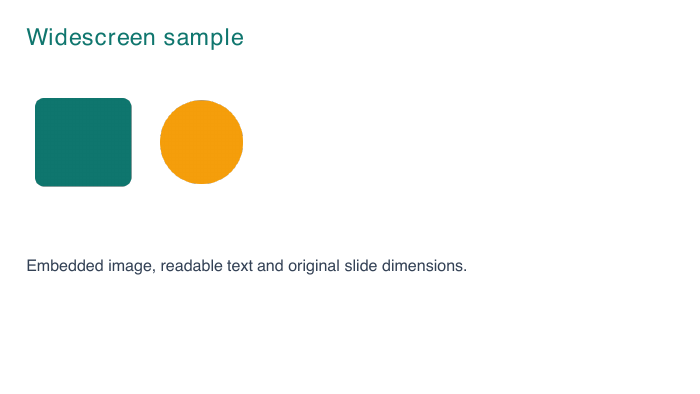
Widescreen PowerPoint to PDF
Convert a 16:9 PPTX to PDF without forcing its slides onto A4. Try a two-slide widescreen sample with text, shapes and a table.
One PDF page per slide
Use this templatePowerPoint to PDF
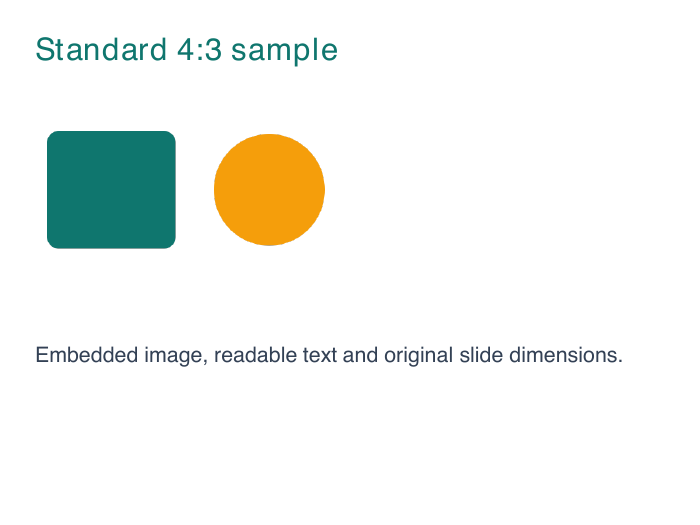
Standard 4:3 PowerPoint to PDF
Keep the source dimensions of a standard 4:3 presentation when exporting to PDF. Try the two-slide 4:3 sample here.
One PDF page per slide
Use this templatePowerPoint to PDF
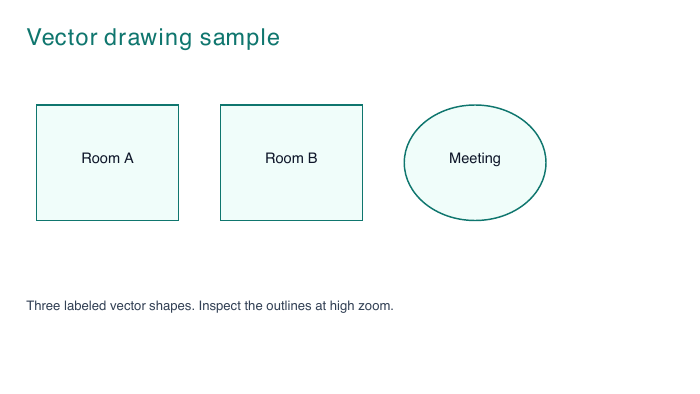
PowerPoint drawings to PDF
Convert supported PowerPoint vector shapes and text to PDF. Try an original sample diagram with outlined rooms, a circle and labels.
PDF with vector paths
Use this templatePowerPoint to PDF
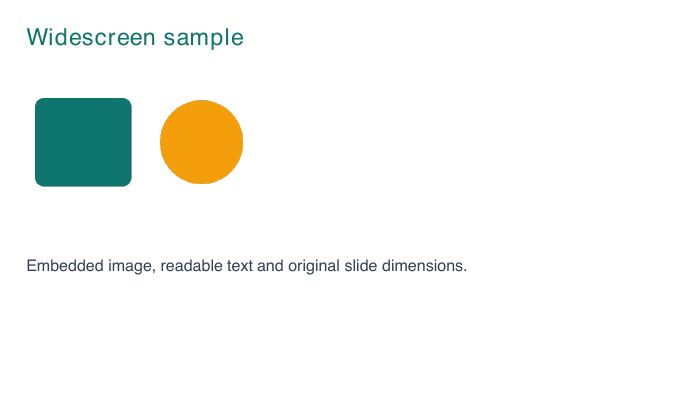
Batch PowerPoint to PDF
Convert several PPTX presentations in your browser and download a ZIP of PDFs. Try mixed 16:9 and 4:3 presentations in one batch.
ZIP with one PDF per presentation
Use this template