Ready-to-use conversion template
PowerPoint drawings to PDF
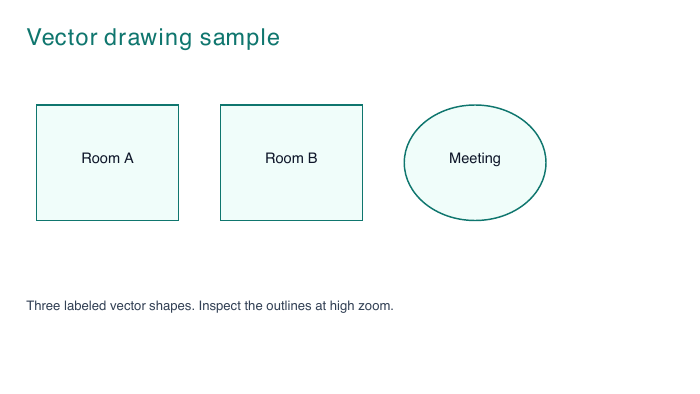
Convert supported PowerPoint vector shapes and text to PDF. Try an original sample diagram with outlined rooms, a circle and labels.
Use this templateFiles stay on your device. No account needed.
1 · Your input
PPTX with supported vector drawings
2 · Your result
PDF with vector paths
What this template uses
- Sample
- One slide with outlined shapes and text
- Vector output
- Supported shapes become PDF drawing operations
- Zoom check
- Inspect lines at 400% or higher
- Not supported
- Charts, SmartArt and unsupported Office content
Convert here
Choose your files or try the sample. Review the workspace, then select Convert to PDF.
Loading the local converter…
Check your PDF
- Check that all three labeled shapes and their outlines appear.
- Zoom into the diagram and compare the line positions with the original presentation.
Supported conversion, with clear limits
Fonts may be substituted and text wrapping can differ. Charts, SmartArt and other unsupported content stop conversion with an error. Use PowerPoint’s PDF export when exact appearance is required. PPTX only; 100 MB per file.
Will every CAD or Office drawing convert?
No. Supported vectors are preserved, but not every embedded object or drawing format is supported. Unsupported content stops conversion with an error. For exact CAD or PowerPoint rendering, use the source application’s PDF export.