Ready-to-use conversion template
Landscape Word document to PDF
Convert a landscape DOCX while reading its page dimensions and margins. Try the wide table sample and inspect the resulting page.
Use this templateFiles stay on your device. No account needed.
1 · Your input
Landscape DOCX
2 · Your result
Landscape visual PDF
What this template uses
- Sample page
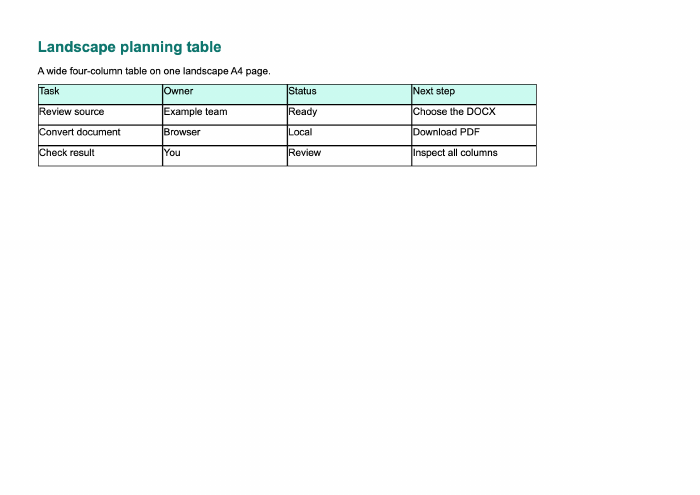
- Landscape A4
- Sample content
- Four-column planning table
- Page size control
- Change it in Word before conversion
- Rendering
- Uses source document geometry
Convert here
Choose your files or try the sample. Review the workspace, then select Convert to PDF.
Loading the local converter…
Check your PDF
- The sample PDF must be wider than it is tall.
- Confirm the fourth table column is visible and compare left and right margins.
Supported conversion, with clear limits
PDF pages are images: text is not selectable or searchable. Fonts and page breaks may differ from Word. Unsupported media or artwork requires export from the original editor. Up to 200 pages; 100 MB per file.
Does this turn a portrait document into landscape?
No. It respects the DOCX page setup. Change orientation in your document editor first. Rotating a PDF page is different from reflowing the document into a landscape layout.