Ready-to-use conversion template
Google Docs DOCX export to PDF
Download your Google Doc as a DOCX, then convert that local file here. No Google account connection or shared-document URL is needed.
Use this templateFiles stay on your device. No account needed.
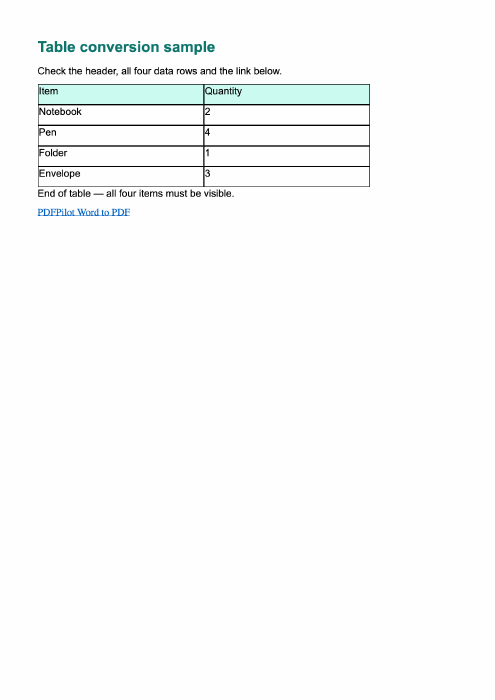
1 · Your input
DOCX downloaded from Google Docs
2 · Your result
Visual PDF
What this template uses
- First step
- In Google Docs: File → Download → Microsoft Word (.docx)
- Then
- Choose the downloaded DOCX here
- Sample
- PDFPilot-created DOCX, not a Google Docs export
- Connection
- No access to your Google account
Convert here
Choose your files or try the sample. Review the workspace, then select Convert to PDF.
Loading the local converter…
Check your PDF
- Compare the output against the original Google Doc, including image placement and page breaks.
- For exact Google Docs layout, compare with Google Docs’ own PDF download.
Supported conversion, with clear limits
PDF pages are images: text is not selectable or searchable. Fonts and page breaks may differ from Word. Unsupported media or artwork requires export from the original editor. Up to 200 pages; 100 MB per file.
Can I paste a Google Docs sharing link here?
No. This browser-only template requires a local DOCX file. It does not open private Google Docs links or connect your Google Drive. You can also use Google Docs’ direct PDF export.