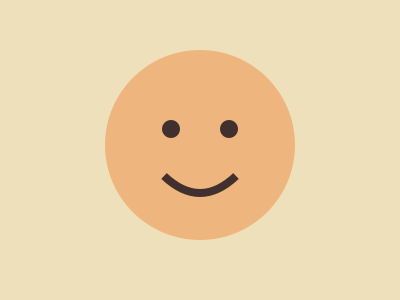
Blur a face in a training illustration
Practice obscuring a face before editing a group photo. The example is an illustration rather than a photograph of a person.
Set up the example
Mark the face manually so the region covers the eyes, nose and mouth. Inspect the blur before exporting.
Check the result
Review the exported image itself at full size. The marked area should cover the whole target and leave the surrounding background alone.
Run this task
Use your own file or download the practice input below. The checks on this page describe the practice result.