Turn a landscape label to portrait orientation
Rotate a single landscape label for a portrait slot.
Set up the example
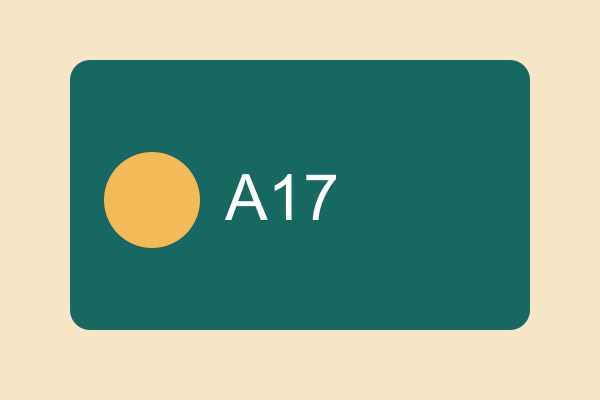
Rotate the sample one quarter turn and leave mirroring off. Check the orientation before exporting.
Check the result
The resulting image should have a portrait aspect ratio. Check the lettering to make sure it was rotated rather than mirrored.
Run this task
Use your own file or download the practice input below. The checks on this page describe the practice result.