Put two shelf-label images on separate PDF pages
Make a print packet from two source images without stretching their rectangular artwork.
Set up the example
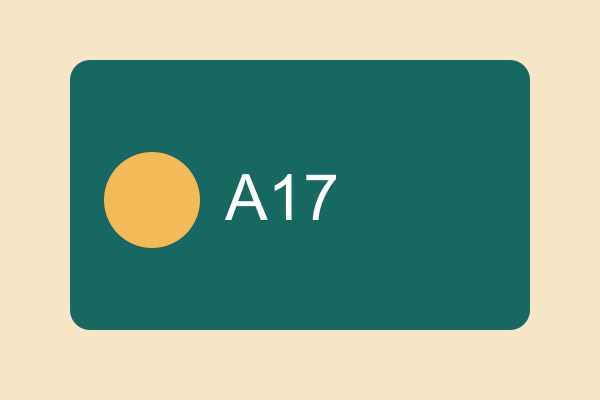
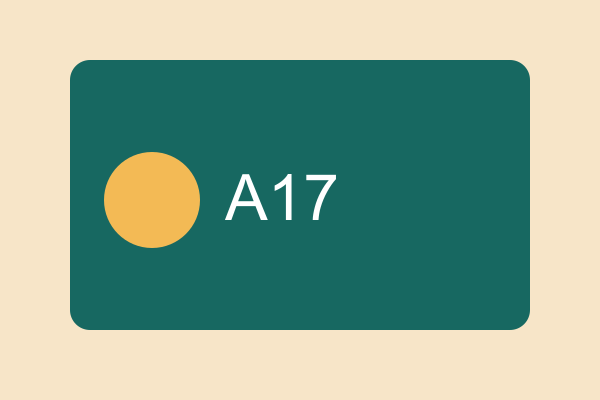
Select the JPG and PNG together. Give each image its own page and inspect the margins in the preview.
Check the result
The finished document should contain two pages. The circle on each label should still look round.
Run this task
Use your own file or download the practice input below. The checks on this page describe the practice result.