PDF → PDF · Two steps in one flow
Merge PDF and add a watermark
Merge PDFs and apply one text watermark across the combined document. Enter a label such as DRAFT, arrange the files and download the result.
Start this workflow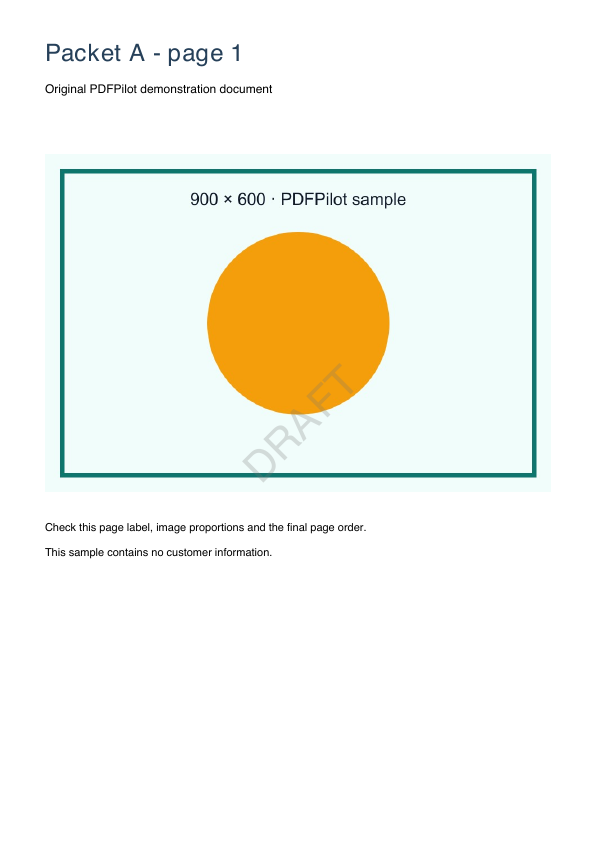
- 1.Combine the PDF pages
- 2.Apply your text watermark
Run this workflow
2–20 PDF files · up to 50 MB each, 100 MB total · up to 300 pages. Files stay on your device.
When to use this workflow
Prepare a consistently labelled draft or review packet. The same text watermark is applied to all pages after the files have been combined.
Check the result
- Read the watermark on pages from each original file.
- Check the text still remains readable underneath the watermark.
- Confirm the file order before sharing the review packet.
Supported files and limits
The preset adds a centred, translucent text label over every page. It does not secure the file or remove existing watermarks. Latin text only; forms are flattened before merging and document-level bookmarks are not retained.
Does a watermark stop people from copying the PDF?
No. A watermark is a visible label, such as DRAFT or COPY. This workflow does not add encryption, permissions or copy protection.